

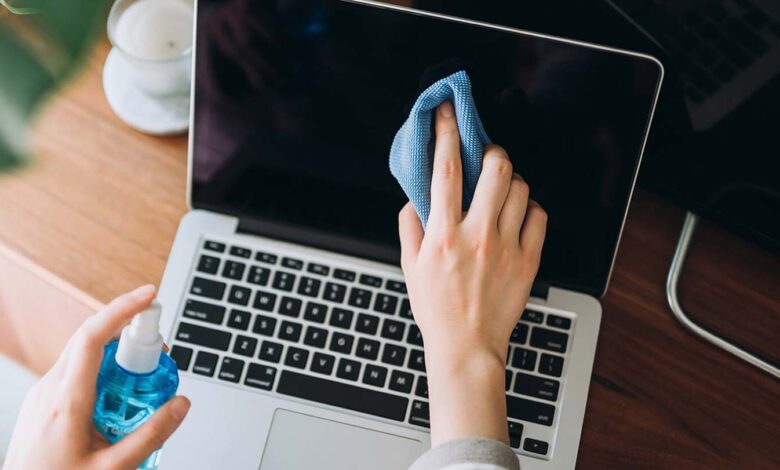
When cleaning a laptop screen…
Continuous work on the laptop causes dust to accumulate on the screen. Dust affects both the color and brightness of the screen, so it should be cleaned from time to time. Some people are afraid to clean the screen, because they fear that doing so may damage the laptop. However, the screen can be cleaned at home with the help of some materials.
Turn off the laptop and remove the battery before cleaning the screen. Then start cleaning with a micro fiber cloth. Microfiber cloth is very soft. Wiping with a t-shirt or other cloth may scratch the screen. Do not clean the screen with paper, towel or even tissue paper.
The screen can also be cleaned with a new sponge. Lightly dampen the sponge and wipe clean. A soft duster brush can also be used to clean in the absence of a sponge and micro fiber cloth.
However, liquid should never be sprayed directly on the screen. Using ammonia waste liquid can quickly damage the plastic screen. It is best to clean the laptop at least twice a month.